
The PDF Challenge
For a long time, the PDF was the standard for online menus. It seemed convenient: restaurant owners could simply upload the file used for printing. However, as mobile browsing has become the norm, what was once a convenience has become a point of frustration for many guests.
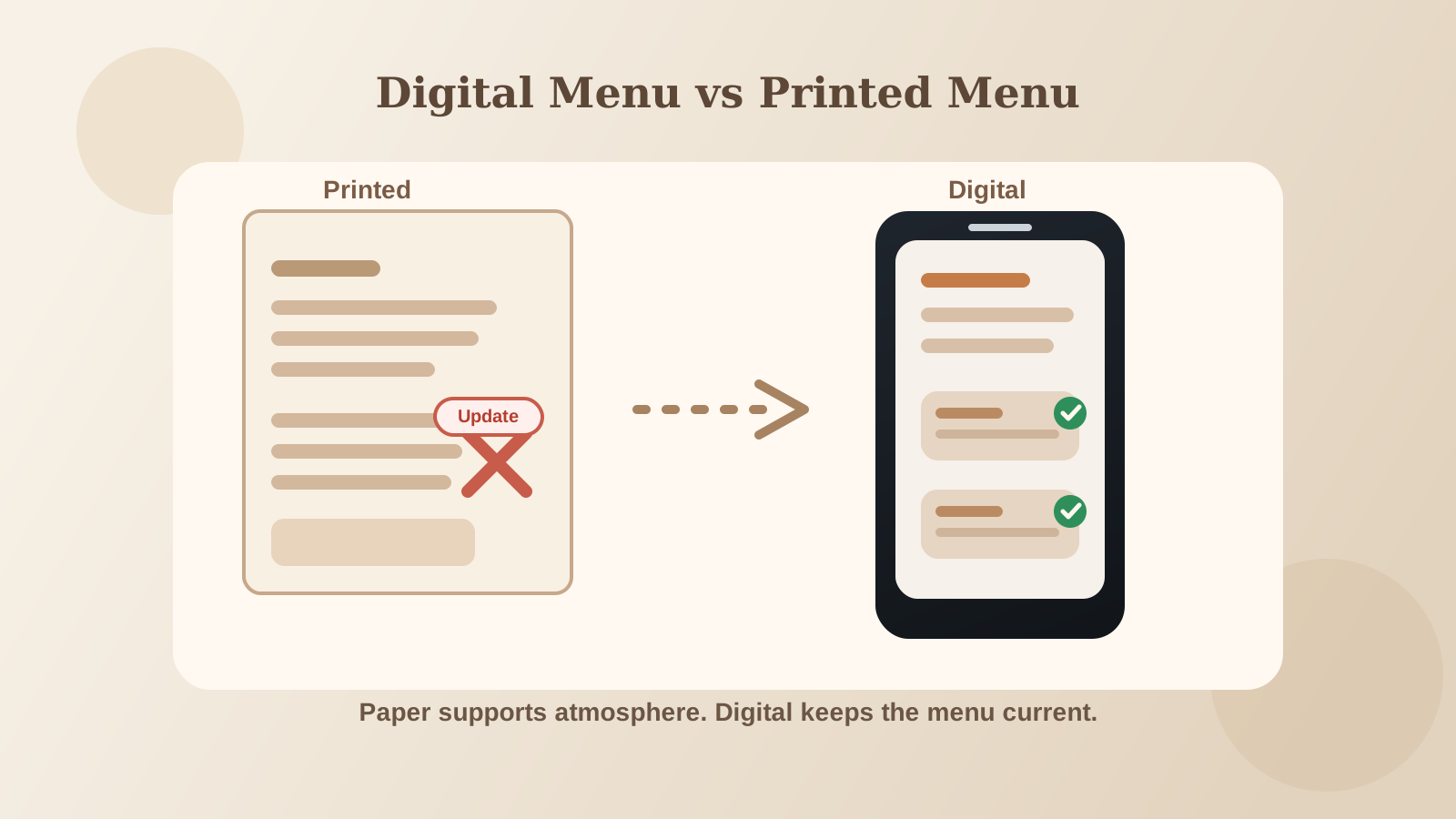
In a world where guests expect a mobile-friendly restaurant menu, the PDF can often feel like a hurdle rather than a helpful resource.
1. The "Pinch and Zoom" Problem
Most diners have experienced the frustration of trying to read a PDF menu on a smartphone. Constant pinching, zooming, and scrolling to find a dish can be tedious. If a potential guest gets frustrated before they even walk through the door, they may choose to look elsewhere. At Menuit, we believe the first interaction with a brand should be as smooth as the service at the table.
2. Helping Google Find Signature Dishes
A significant but often overlooked drawback of PDFs is their impact on Search Engine Optimization (SEO). While search engines can index PDFs, they don't treat them with the same priority as native web pages.
When a restaurant switches to a PDF to digital menu system that creates a web-native experience, menu items become far more searchable. If a guest nearby searches for "best fish tacos" or "gluten-free steak," a web-native menu allows Google to see those specific keywords clearly. In a PDF, that valuable information is often buried in a file that's difficult for search engines to parse effectively.
3. Speed and Reliability on the Floor
PDFs are often large files that can be slow to download, especially on mobile data connections. A guest waiting for a large menu to load can quickly lose interest. In contrast, a web-native menu loads instantly by pulling only the necessary text and optimized images. This speed improves the guest experience and reduces stress for staff during busy service periods.
4. Maintaining Accuracy with Ease
Updating a PDF often requires a designer and several steps to re-upload, which can lead to outdated menus staying online longer than they should. With a digital-first approach, owners can make updates in seconds. Ensuring the "digital front door" is always accurate saves staff from having to apologize for missing items or price changes, maintaining a high level of professional service.
A Digital First Impression
A digital menu is often the very first thing a guest sees. If that experience is modern and easy to use, it sets a positive expectation for the food and service to follow. Moving away from the PDF is a simple yet impactful shift that makes management easier and guests much more satisfied.