
A menu description has one job: help the guest choose
An inventive dish name can catch someone's attention, but it rarely answers the question that comes next: what will I actually get?
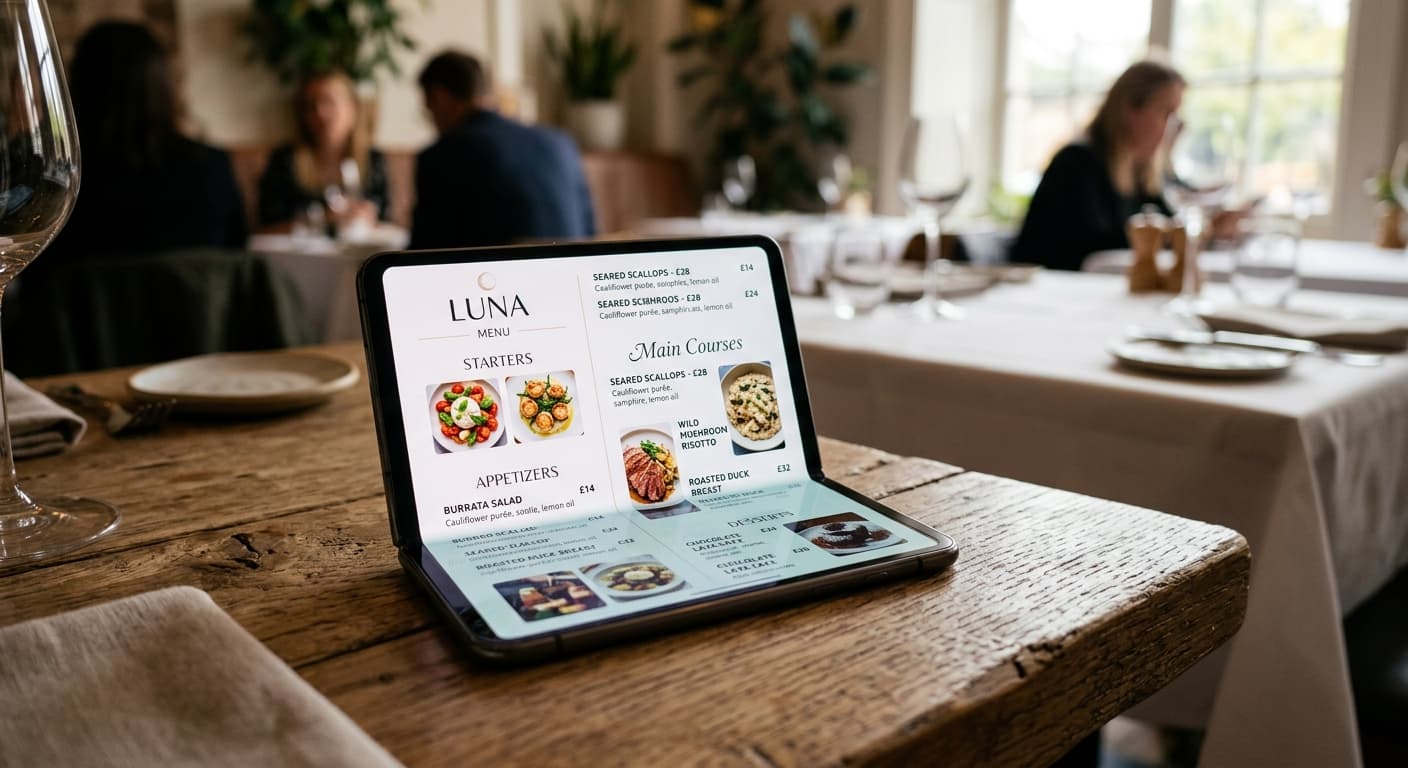
That question matters even more when the guest is reading your menu on a phone. They may be visiting for the first time, ordering in a second language, comparing two unfamiliar dishes, or trying to check whether an ingredient works for their diet. If the description is vague, the guest has to ask the team or choose the safest familiar option.
A useful restaurant menu description gives just enough detail to make the choice feel clear. It explains the main ingredients, the preparation or style, and the flavour or format the guest should expect. It does not need to sound like a catalogue or turn every dish into a paragraph of marketing copy.
If you are building the broader menu experience, start with Digital Menu for Restaurants: How It Works, Benefits, and Why to Adopt It. This article focuses on one part of that experience: writing item descriptions that work for guests and the team serving them.
1. Start with what the guest needs to know
Before writing, ask what would make someone more confident ordering this dish. For most items, the answer is a combination of:
- the main ingredient or protein,
- the preparation or cooking style,
- the most important supporting ingredients,
- the flavour, texture, or temperature, and
- the portion or format when it is not obvious.
For example:
Grilled octopus — charcoal-grilled octopus, smoked paprika potatoes, lemon, and parsley.
House vegetable curry — roasted seasonal vegetables in a coconut curry sauce, served with basmati rice.
Atlantic spritz — white port, grapefruit, sparkling wine, and soda; dry and lightly bitter.
These descriptions do not promise that the guest will love the dish. They tell the guest what kind of choice it is. That is the useful work a menu needs to do before anyone has asked the server a question.
2. Keep the dish name clear before making it memorable
There is room for personality in a menu name, especially when the name reflects a recipe, a place, or the character of the restaurant. The problem starts when the name is the only explanation.
If a dish is called “The Harbour,” add a plain-language line underneath. A visitor should not have to guess whether it is a fish dish, a cocktail, or a sharing plate. Keep the name that belongs to your brand, then give it a useful descriptor.
The Harbour — grilled seabass, crushed potatoes, braised greens, and caper butter.
This structure also helps guests who are scanning quickly. They can recognise the item, understand the core ingredients, and decide whether to read further. Clear headings and labels are useful for all guests and are also part of good accessible content practice; W3C's writing guidance recommends short, descriptive headings and clear content structure.
3. Use a repeatable description formula
Your team should not have to invent a new writing style for every item. A simple pattern makes the menu faster to update and easier to keep consistent:
[Dish or preparation] — [main ingredient], [two or three defining details], [side or finish].
You can adapt the order for drinks, desserts, and dishes with a strong regional identity. The point is not to force every item into identical wording. It is to make sure the important information is not left out.
Compare these two versions:
Before: Garden bowl — fresh, healthy, delicious, and full of flavour.
After: Garden bowl — roasted courgette, chickpeas, pickled carrot, herbs, and tahini dressing.
The first version uses positive words that could describe almost anything. The second gives the guest something concrete to picture and something specific to ask about if needed. “Fresh” may be true, but it is less useful than naming the ingredients that create the dish.
4. Choose details that reduce the most questions
Not every ingredient deserves space in the description. Prioritise the details that change the ordering decision.
For food, that might be:
- whether the dish is spicy, rich, light, sweet, or bitter,
- whether it is fried, grilled, raw, chilled, or slow-cooked,
- whether it is served as a starter, main, side, tasting portion, or sharing plate,
- whether a familiar ingredient appears in an unfamiliar form, and
- whether the dish comes with a side that affects the choice.
For drinks, it might be the base spirit, style, sweetness, strength, serving size, or whether it is available by the glass. For a pastry or dessert, it may be the main flavour, temperature, texture, and whether it is made for sharing.
The best detail is often the answer to a question your team hears repeatedly. If guests keep asking whether a curry is hot, say so in the menu. If people ask what comes with the steak, name the side. If visitors do not recognise a local ingredient, explain it in a few plain words.
5. Treat dietary and allergen information as operational data
Dietary labels are not decoration. They are information guests may rely on when making a health or safety decision.
Do not infer that a dish is vegan, gluten-free, dairy-free, or safe for a particular allergy from a short ingredient list. Check the recipe, preparation method, shared equipment, substitutions, and current supplier information. If the kitchen changes an ingredient, update the menu and brief the team before the next service.
Keep the description accurate without promising more than the operation can verify. A note such as “contains peanuts” is different from a broad claim that a dish is safe for everyone with an allergy. Follow the requirements that apply where you operate, and give guests a clear way to ask the team about cross-contact or preparation details.
An accessible digital menu can make this information easier to find, but it does not replace kitchen controls. Digital Menus and Accessibility: Making Ordering Easier for Everyone covers readable structure, labels, and other parts of that guest experience.
6. Write for the first screen, not a printed page
Guests often read a digital menu one-handed, while standing in a queue, or with several people deciding at the same table. A description that looks short on paper can become a large block of text on a phone.
Keep the most useful information near the beginning of the item. Put the name, core description, and price together. Use short sentences or phrases. Avoid stacking five lines of adjectives before saying what the dish contains.
This is also where a web-native menu has an advantage over a print-oriented PDF. You can edit the description, test it on an actual phone, and improve the item without redesigning every page. For more on reducing guest friction from the first scan onward, read How a Digital Menu Improves Customer Experience.
7. Make descriptions easier to translate
If your restaurant serves tourists, write the source description so it can be translated accurately. Avoid jokes, idioms, unexplained abbreviations, and long sentences that hide the main ingredient.
Keep culinary names that matter, but add the explanation a visitor needs. “Bacalhau à Brás” can keep its original name while explaining that it is made with salted cod, potato, egg, and onion. A local pastry can keep its identity while giving a short clue about flavour or texture.
Translate the details that affect the order first: ingredients, preparation, portion, allergens, dietary labels, and price. Then have someone review the language and the culinary meaning. How to Attract Tourists with a Multilingual Restaurant Menu goes deeper into choosing languages and keeping translated menus accurate.
8. Use descriptions to support specials without overloading the menu
Seasonal dishes and limited-time drinks need descriptions that explain why the item is worth noticing. They also need an expiry routine so yesterday's special does not remain visible.
For a limited offer, include the detail that makes the timing relevant:
Summer tomato toast — toasted sourdough, ripe tomatoes, basil oil, and whipped goat cheese; available while the local harvest lasts.
The description gives the guest a reason to look, but it does not need to claim that the item is the best thing on the menu. Keep the offer near the relevant category, brief the team, and remove it when the promotion ends. How to Use a Digital Menu for Seasonal Specials and Limited-Time Offers includes a practical launch and retirement workflow.
9. Review the descriptions with the people who use them
The person writing the menu is not always the person answering questions during service. Before publishing a new menu, ask a server, bartender, or counter team member to review the descriptions.
Ask them:
- Which item would a first-time guest misunderstand?
- Which ingredient or preparation creates the most questions?
- Is the portion or sharing format clear?
- Are the dietary labels supported by the current recipe and prep process?
- Can the item be explained in one sentence if the guest asks for help?
Then check the menu on a phone using the same path a guest will use. Confirm that categories are easy to find, prices are current, and the description still makes sense after the item is translated or updated. If the price or recipe changes often, How to Update Menu Prices Without Reprinting has a useful update routine to adapt.
A practical restaurant menu description checklist
Before publishing, check each new or revised item:
- The name is recognisable or has a plain-language explanation.
- The first line names the main ingredient or drink style.
- Preparation, flavour, texture, or format is clear where it affects the choice.
- The price and portion information are easy to find.
- Dietary and allergen information has been checked against the current recipe.
- The wording is short enough to scan on a phone.
- A team member can explain the item without contradicting the menu.
- The description can be translated without losing its meaning.
You do not need to rewrite the whole menu in one afternoon. Start with the ten items guests ask about most, the dishes you want visitors to understand, or the specials that change every week. Improve those descriptions, check the result during service, and use what the team learns for the next group.
Give guests a clearer next choice
A strong restaurant menu description is not a sales slogan. It is a small piece of service. It helps a guest understand the dish, helps the team answer the remaining question, and gives the kitchen a clear promise to deliver.
Menuit helps restaurants turn an existing menu into a live, mobile-friendly menu that is easier to update. Add the descriptions your guests need, review prices and dietary details carefully, translate when it helps your audience, and keep the current version available from the same QR code.