
Menu changes are easy to make and easy to lose
A supplier changes an ingredient. The chef adjusts a portion. A manager sends a new price in a group chat. Someone updates the QR menu, but the printed insert and the staff briefing still show yesterday's version.
The problem is rarely a lack of effort. It is that the decision has no clear home.
A restaurant menu change log gives the team one place to record what changed, why it changed, who owns the next step, and which public versions need checking. It can be a simple document or a feature in your menu system. The important part is that the team can find it before service and trust what it says.
If you are still choosing the basic setup for your menu, start with Digital Menu for Restaurants: How It Works, Benefits, and Why to Adopt It. This guide assumes you already have a menu and need a reliable way to manage changes around it.
1. Decide which changes belong in the log
Do not record every small conversation. Record changes that can affect what a guest sees, what the kitchen prepares, or what the service team promises.
Useful entries include:
- a new, renamed, moved, or retired dish;
- a price, portion, or service-period change;
- an ingredient, recipe, supplier, or preparation change;
- an allergen or dietary detail that needs review;
- a translation or description update;
- a sold-out item or temporary substitution;
- a seasonal special with a start and end date; and
- a change to a QR code, menu link, website, or printed reference.
The log is not a replacement for recipe sheets, purchasing records, or the restaurant's food-safety process. It is the handoff between those sources and the menu guests read. When a recipe changes, the responsible person still needs to review the relevant ingredient and allergen information through the restaurant's process before the menu is published.
2. Keep one record for each change
A useful restaurant menu change log does not need a complicated database. Each entry should answer the questions a manager will ask when opening it five minutes before service.
Record:
- The date and time of the change.
- The location and service period it affects.
- The dish, category, or menu page involved.
- What changed, in plain language.
- Why the change was made.
- Who approved the operational change.
- Who updates the public menu.
- Which languages and channels need checking.
- The staff instruction or likely guest question.
- The review date and current status.
For example:
- Date: 26 August
- Location: Lisbon, dinner
- Item: Roasted aubergine bowl
- Change: Tahini replaced with a supplier-approved alternative
- Reason: Supplier substitution
- Operational owner: Kitchen manager
- Menu owner: Ana
- Check: Ingredients, allergen information, EN and PT descriptions, QR menu
- Staff note: Confirm the current garnish before answering questions
- Review: Before dinner service
- Status: Waiting for final menu check
The exact format matters less than the shared habit. If the record is hidden in a private notebook or a chat thread, it will not help the next shift.
3. Record the decision before you edit the menu
Menu owners often update the public page as soon as someone asks. That feels fast, but it can leave the reason and the follow-up work behind.
Create the log entry first, even if it takes one minute. Then make the edit. This order gives the team a reference for the change and makes it easier to check whether the update reached every place that matters.
Use a short status such as:
- proposed;
- approved;
- menu update in progress;
- waiting for kitchen or service review;
- published; or
- closed after review.
Do not mark a change as complete just because the text was saved. A new price may still be wrong at one location. A new ingredient may still be missing from a translated description. A retired special may still be visible through an old QR code.
The restaurant menu audit checklist is a useful final check when several details changed at once.
4. Connect the menu update to the operation
Every guest-facing change has an operational source. Link the menu entry to the information the team uses to prepare and explain the dish.
For a recipe or ingredient change, check the current recipe, supplier label, portion, preparation method, and relevant dietary details. For a price change, check the approved price and the portion or service period it belongs to. For a description change, make sure the wording describes what the kitchen can deliver during a normal service.
Allergen information needs particular care. Staff should know where the current answer comes from, and the answer should stay consistent with the restaurant's reviewed recipes and ingredient records. Official food-safety guidance in different markets varies, so check the requirements that apply to your restaurant rather than copying a generic label from another menu.
The guide on how to add allergen information to a restaurant menu covers the recipe-to-menu review in more detail. The change log makes sure that review is not forgotten when a dish changes on a busy day.
5. Separate urgent corrections from planned updates
Not every change follows the same route.
An urgent correction is something that could mislead a guest or the team right now. A wrong price, unavailable dish, or inaccurate ingredient detail should be corrected as soon as the responsible person confirms the right information. Record the correction immediately, then complete the broader channel and staff checks.
A planned update can wait for a defined review window. A seasonal menu, new category, or description rewrite should have an owner, a publish date, and a short briefing before it goes live.
Use a visible priority field so the next person can tell the difference. Without one, every change looks equally urgent, and genuinely urgent corrections get buried under future ideas.
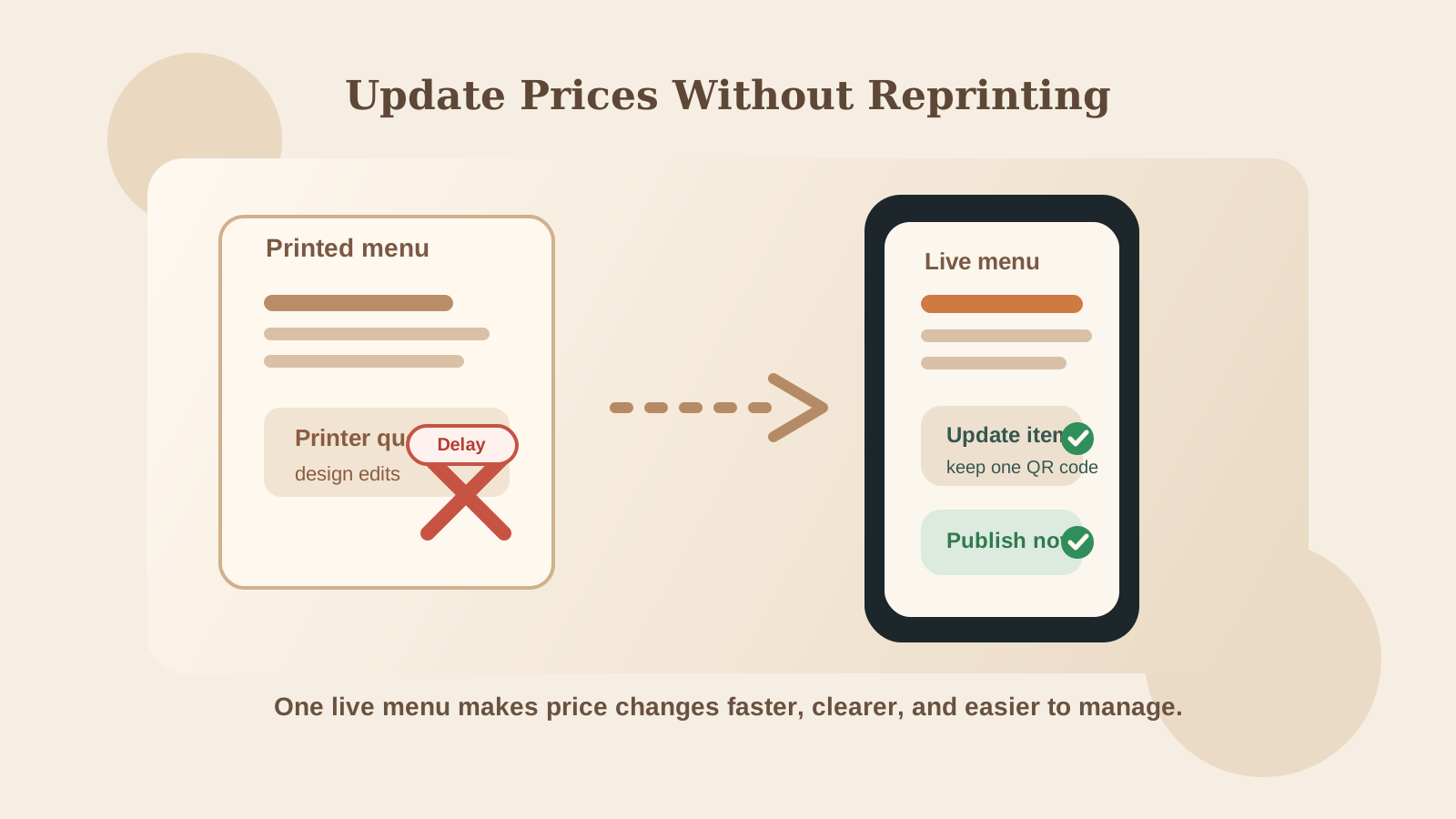
For price-specific changes, pair the log with How to Update Menu Prices Without Reprinting. The price guide explains the update routine. The log keeps the decision, owner, and follow-up visible.
6. Give the service team one short briefing
The log is for tracking. It is not the briefing itself.
Before the affected service, turn the relevant entries into a short note the team can read quickly. Include only what they need to know:
- what changed;
- which guests or tables it affects;
- what answer to give to the likely question;
- what is unavailable or temporary; and
- who handles a question the menu does not answer.
If the change affects an allergen question, do not ask staff to guess from memory. Tell them where the reviewed information is stored and who to call before making a promise to a guest.
Ask the kitchen and service leads to confirm the note. A five-minute handoff before service is cheaper than having three people invent three different answers at the table.
7. Make location and language visible
One menu change can affect one branch, every branch, or a shared part of the menu with local values. The log should say which one.
For multiple locations, record the affected address, local price, availability, opening hours, and QR destination. Do not assume that a shared item means a shared price or portion. How to Manage Restaurant Menus Across Multiple Locations explains how to separate shared menu information from local values.
For multilingual menus, list every published language that needs a check. A translated description may need an update even when the dish name stays the same. If only one location changes its portion or ingredients, confirm that the local wording does not promise more than that kitchen can deliver.
This is where a change log helps more than a general to-do list. It names the menu version, language, and location instead of saying only "update the website."
8. Close the change after a real guest-path check
The final step is not the save button. Open the menu the way a guest will use it.
Check the QR code or public link on a phone. Find the affected item, read its price and description, switch language if relevant, and confirm that an old version is not still available through another channel. Ask someone who did not make the edit to do the same check.
Then close the log entry with:
- the date it went live;
- the person who checked it;
- the channels and languages checked;
- any follow-up issue; and
- the next review date, if the change is temporary or experimental.
The restaurant menu refresh guide is useful when the entry is part of a larger set of menu decisions. A change log handles the handoff. A refresh process handles the reasons behind the changes.
A restaurant menu change log template
Copy this structure into the tool your team already uses:
- Change ID:
- Created:
- Priority: urgent / planned
- Location or locations:
- Service period:
- Item or category:
- Change requested:
- Reason:
- Operational approval:
- Menu owner:
- Languages to check:
- Channels to check:
- Kitchen or service note:
- Publish date:
- Review date:
- Status:
- Final check by:
Keep it small enough to use. If completing the form takes longer than making the change, the team will work around it. Start with the fields that prevent the most common mistakes, then add detail when a real service problem shows you what is missing.
Keep menu changes visible and owned
A restaurant menu change log will not fix an unclear decision. It will show you where the decision lives, who owns it, and what still needs checking.
Review open entries before each service and close completed ones after the guest-path check. Once a week, look for changes that repeat. If the same price, translation, or availability issue appears again, the process needs attention, not another isolated fix.
Menuit helps restaurants keep a live, mobile-friendly menu that is easier to update as dishes, prices, translations, and availability change. Use a change log alongside the menu so the team knows what changed and guests see the version the operation is ready to support.