
Start with the shift, not the software demo
At 4:45 p.m., the kitchen tells the manager that the hake is sold out. The manager needs to update the menu, tell the floor team, and make sure guests scanning the table QR code do not keep seeing a dish they cannot order. That is a more useful test of digital menu software than a polished demo with sample dishes.
Before comparing products, write down the jobs the system needs to handle in your restaurant: a price change, a sold-out item, a weekend special, a translation update, or a second location with different prices. Then check whether the software makes those jobs easier without making the guest's menu harder to use.
If you are still deciding whether a live menu fits your operation, start with Digital Menu for Restaurants: How It Works, Benefits, and Why to Adopt It. This guide focuses on choosing the software that will support the menu after launch.
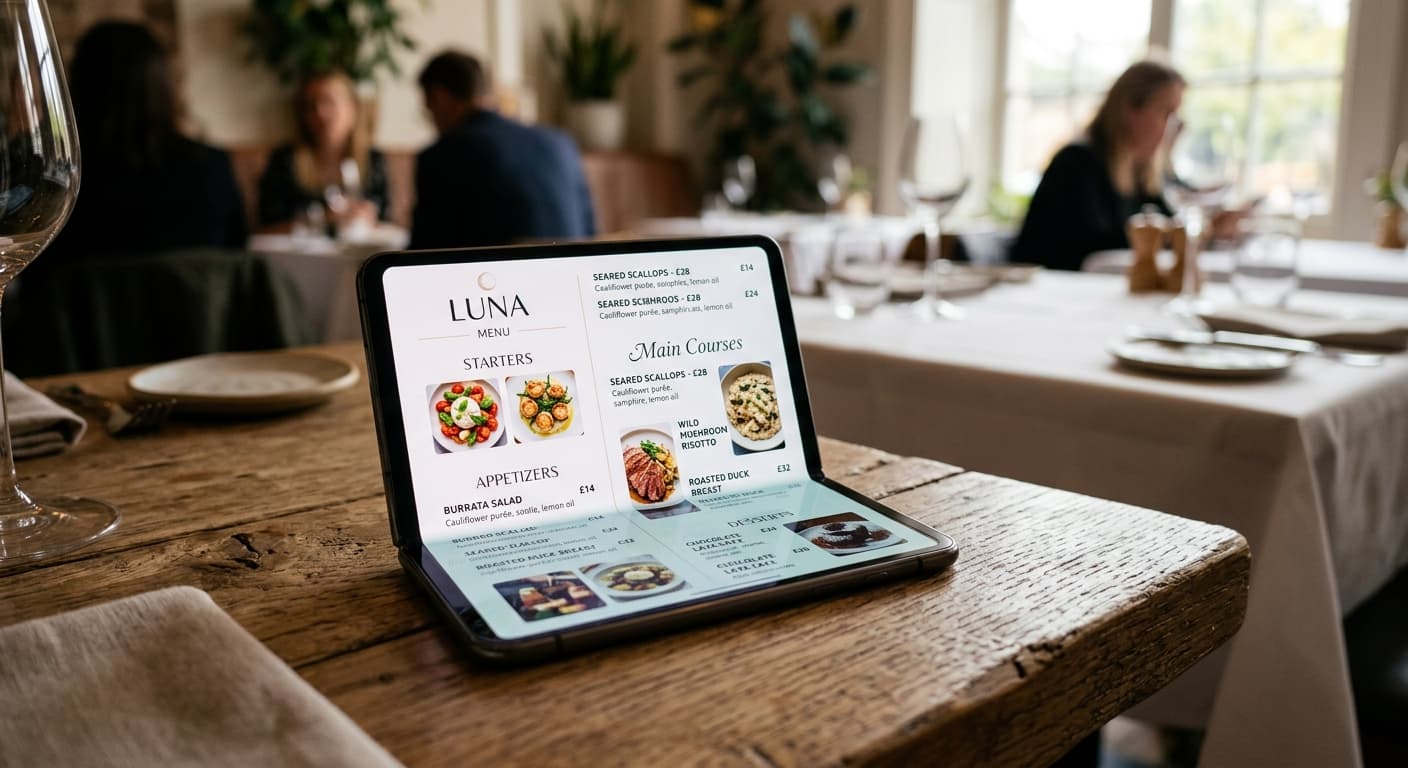
1. List the changes your team actually makes
Look at the last month of menu changes and the questions staff answer during a typical shift. Use that list to separate must-haves from features that only look useful in a presentation.
For example, your first-round test might include whether a manager can:
- correct a price and see the published version before service;
- mark an item unavailable without rebuilding the menu;
- add a special with a clear start and end date;
- review a translated description after an ingredient changes; and
- update one location without accidentally changing every branch.
The right list depends on the operation. A neighborhood cafe with one counter may need a quick way to update drinks and pastries. A group with several locations may need clear permissions and a reliable local review. Do not pay for a complex workflow your team will not use, but do not ignore a recurring problem because it was missing from the demo.
2. Test with your own menu
Ask to try the product with a representative part of your current menu, not just a sample menu prepared by the vendor. Choose a section with real descriptions, prices, dietary notes, and at least one change your team makes often.
Have the person who would own updates try a realistic task. Change a dish price, preview the guest-facing page, publish it, and check the public version on a phone. Note how many steps it takes, where the person hesitates, and whether the final menu still matches the kitchen's current offer.
If moving content into the platform requires a large cleanup, count that time too. A low monthly fee can still leave the restaurant with hours of manual setup or repeated corrections. A clear digital menu cost breakdown can help you compare setup and ongoing costs rather than looking at the subscription alone.
3. Follow the guest from scan to decision
Use the QR code or public link the way a guest would. Scan at a real table, open the menu on mobile data, and check it on a smaller phone. The guest should be able to find a category, understand a dish, read its price, and get back to the menu without installing an app or asking for a password.
Check language switching, readable text, contrast, and the space around tappable controls. The W3C Web Content Accessibility Guidelines (WCAG) 2.2 provide an authoritative standard for assessing web content, including mobile pages. A vendor's accessibility claim is not a substitute for testing the actual menu with your content and checking the requirements that apply to your business. For a more detailed restaurant-focused checklist, see common mistakes when implementing a digital menu.
Keep a fallback for guests who cannot or do not want to use a phone. A digital menu should make service easier, not leave the host or server without another way to share the offer.
4. Confirm who controls the public menu and QR code
Ask what happens to the public URL and QR code when you edit, move, or cancel the account. A useful setup lets the restaurant update the menu behind its existing table cards instead of requiring a new print run for every price or seasonal change. Confirm this in the product and in the plan terms; do not infer it from how the demo works.
Also ask how you can retrieve your menu content if you leave. Find out whether you can export item names, descriptions, prices, photos, and translations, and whether the public page depends on a URL you control. Those details matter most when the menu needs a change quickly or a vendor relationship ends unexpectedly.
5. Check the handoff between people and locations
Menu work rarely belongs to one person. The chef may confirm ingredients, a manager may approve prices, and a shift lead may hide an item that sells out. Find out how the platform handles those responsibilities: who can edit, who can publish, and how the team can tell which version is current.
If you run more than one location or service period, test one local change. Make sure a lunch special, branch-specific price, or holiday schedule can be reviewed without overwriting shared menu details. Ask whether staff can see what changed and when, especially if the tool will be used by people who are not in the same room.
6. Separate menu publishing from ordering and payments
“Digital menu” can describe different kinds of tools. Some publish menu information; others also handle ordering, payment, or point-of-sale connections. Decide which jobs you need before comparing prices, and ask exactly what an integration does: does it copy item data, sync availability, send orders, or only link to another service?
If your restaurant already takes orders through a POS or delivery platform, test the handoff with a real item and price. Do not assume that a menu update changes a separate ordering catalog unless the vendor confirms how the connection works. If you only need a menu guests can browse, an ordering feature may add cost and setup without solving your main problem.
7. Compare the full cost and support
Put the initial setup and ongoing charges in one place. Check how the price changes with extra locations, users, languages, custom branding, a domain, menu imports, or support. Ask what is included in the plan and what costs extra, and compare that with the staff time the current workflow consumes.
Then ask how you get help during a real service problem. Is support available when your team needs to correct a public price or restore a menu? Is there a person responsible for helping with setup, or is support limited to self-service documentation? Ask what response time and coverage hours you can expect.
Run a small pilot before switching every table
Try the software with one menu, section, or service area first. Ask a staff member who did not help choose the platform to make a routine update, then ask someone unfamiliar with the menu to scan it and find a dish. Write down the time, questions, and errors rather than relying on whether the screen looked impressive in a meeting.
Before expanding, confirm that the public price, description, availability, and language match what the kitchen and floor team are ready to serve. If the trial creates more work or confusion, fix the workflow or choose a different tool before printing QR cards for the whole restaurant.
A short digital menu software checklist
Use these questions when you compare options:
- Can our team complete the five menu changes we make most often?
- Can we test the menu on a real phone and on mobile data?
- Can guests read it without an app, account, or PDF zooming?
- Can we keep the same public URL and QR code after updates?
- Can we control edits across staff, service periods, and locations?
- Can we retrieve our content if we change platforms?
- Are ordering, payment, and POS features included only if we need them?
- Do we understand setup, subscription, location, language, and support costs?
Menuit helps restaurants turn an existing menu into a live page that can be reviewed, translated, and updated behind a QR code. If that is the workflow you need, test it with one real section of your menu and see whether it makes the next service simpler for both staff and guests.